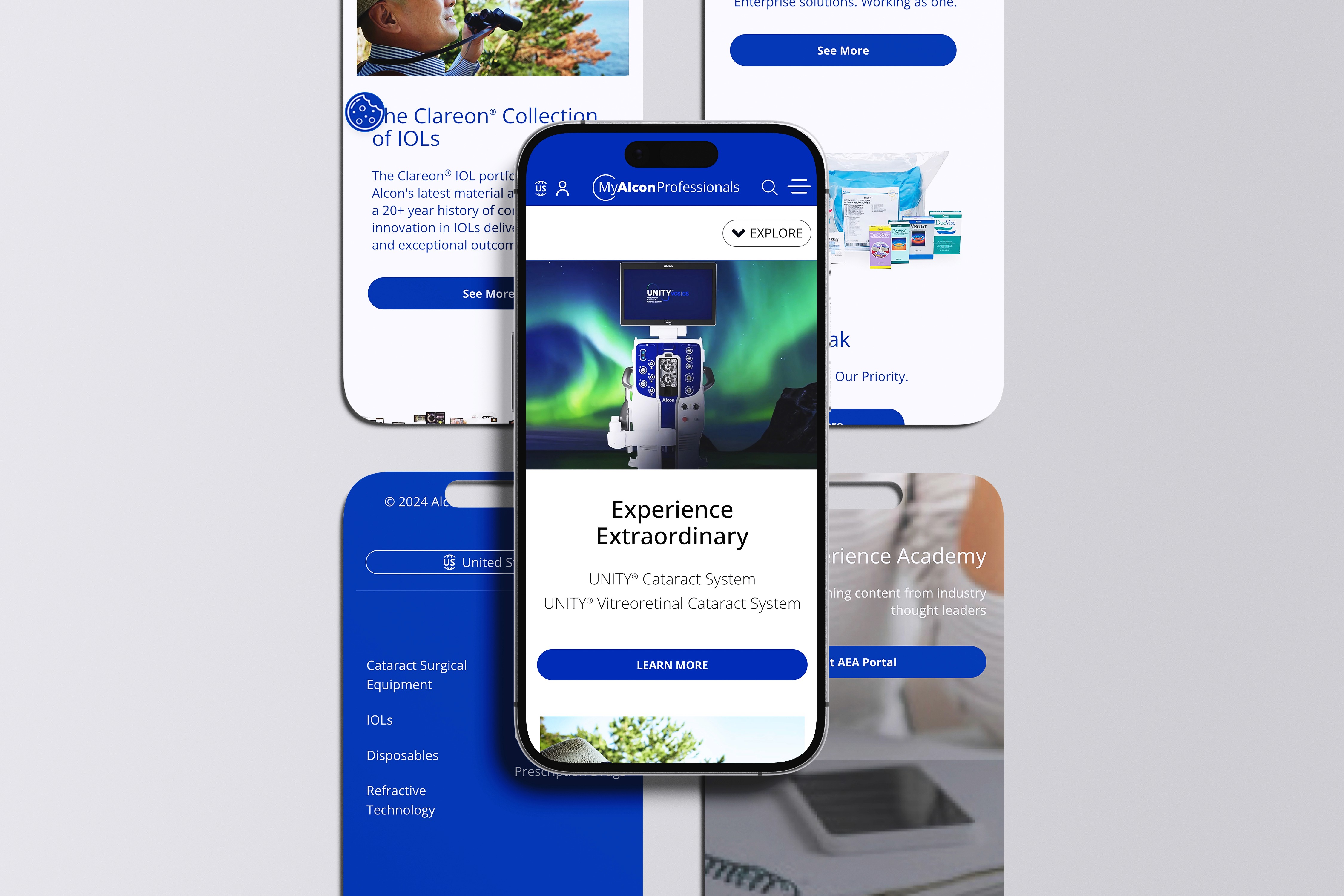
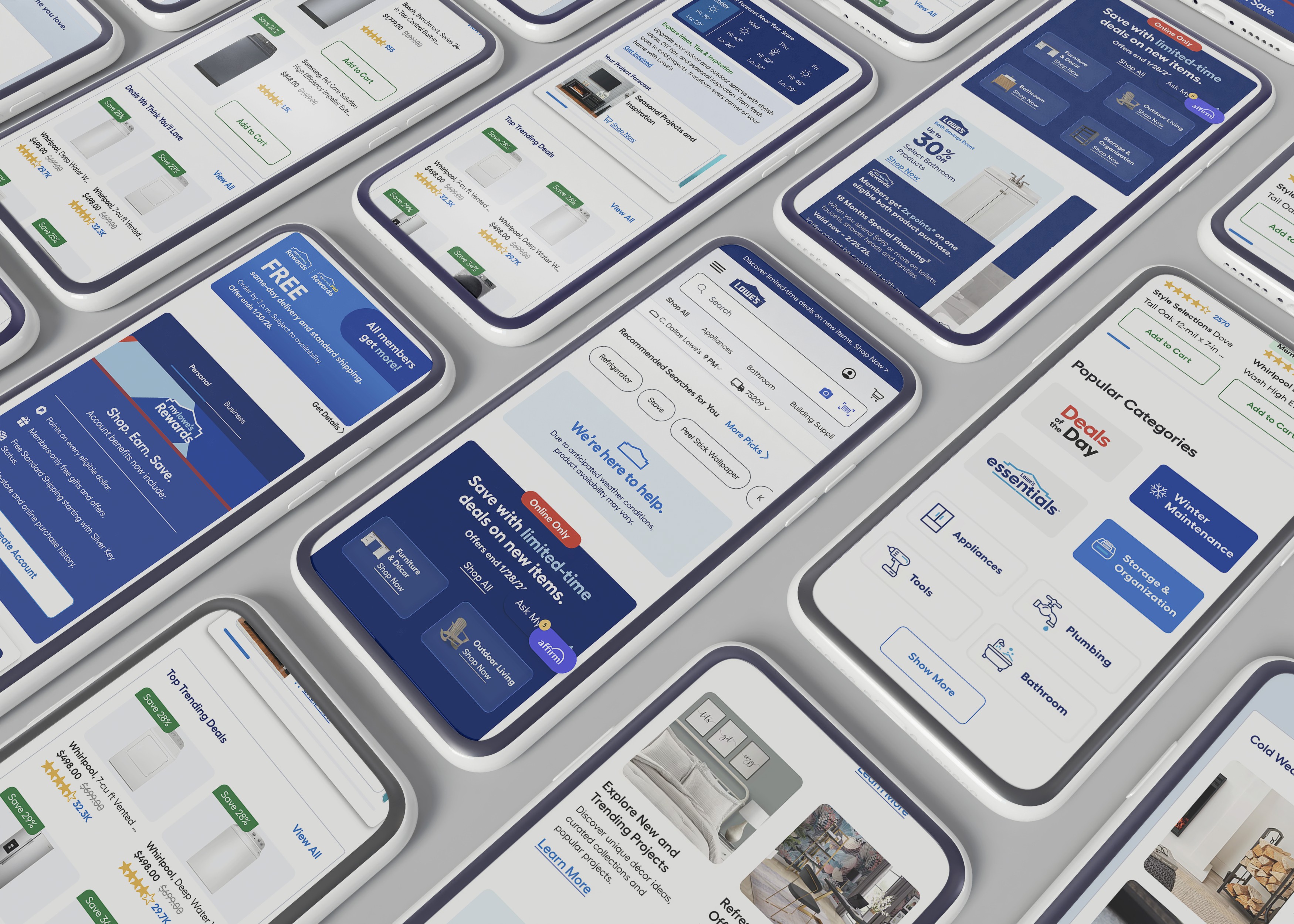
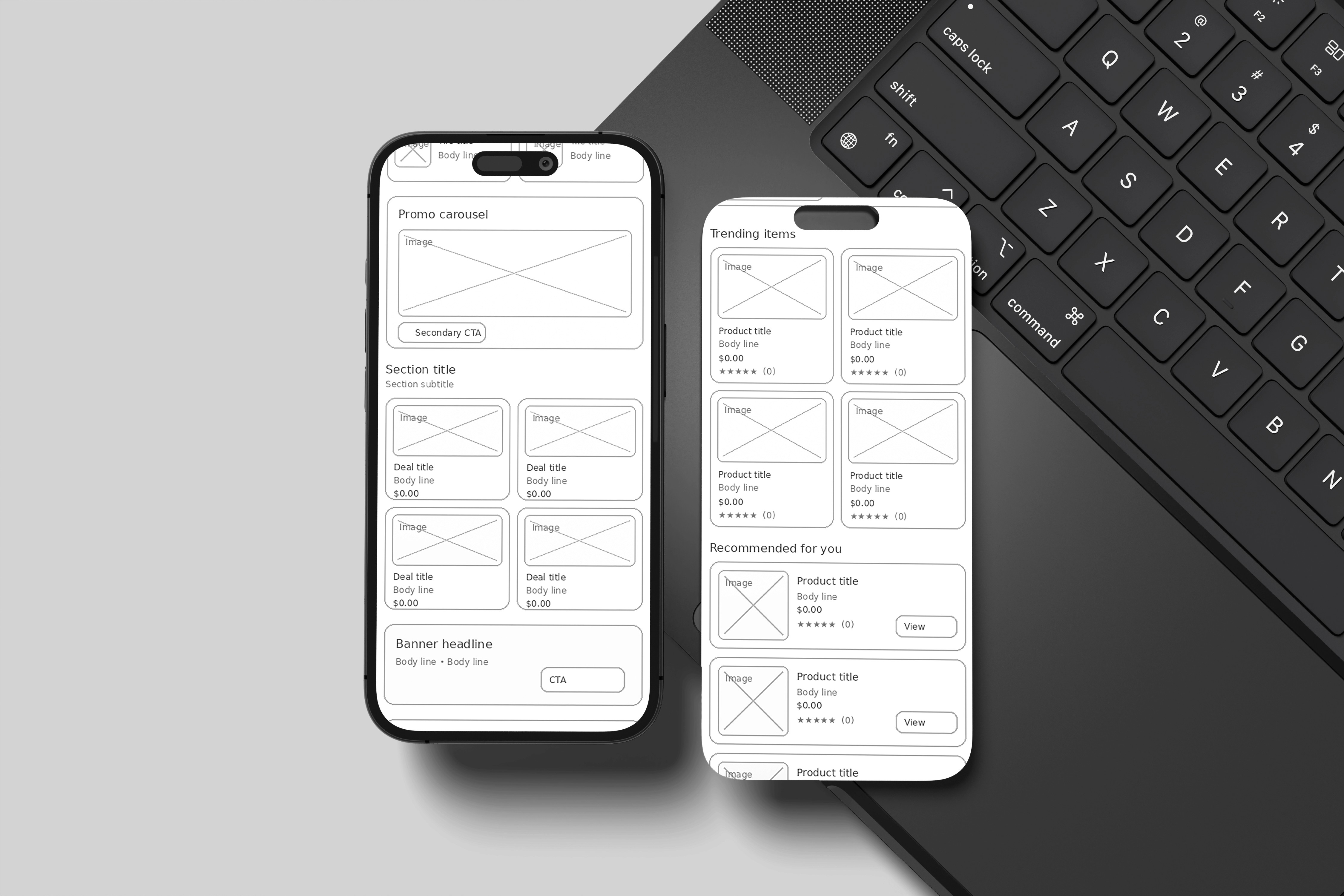
Alcon Mobile Homepage, Cleaned Up
One-line summary
I reorganized the mobile homepage so people could quickly find what they need, with fewer competing calls to action and reusable building blocks that stay consistent in the CMS.
The Problem
The homepage felt crowded, with too many sections fighting for attention.
It was hard to know what to do next because multiple buttons competed at once.
Layout patterns changed too often, so the page was harder to scan on a phone.
Some accessibility basics were off, like tap target size and heading structure.
The Solution
Rebuilt the homepage flow with clear priority from top to bottom.
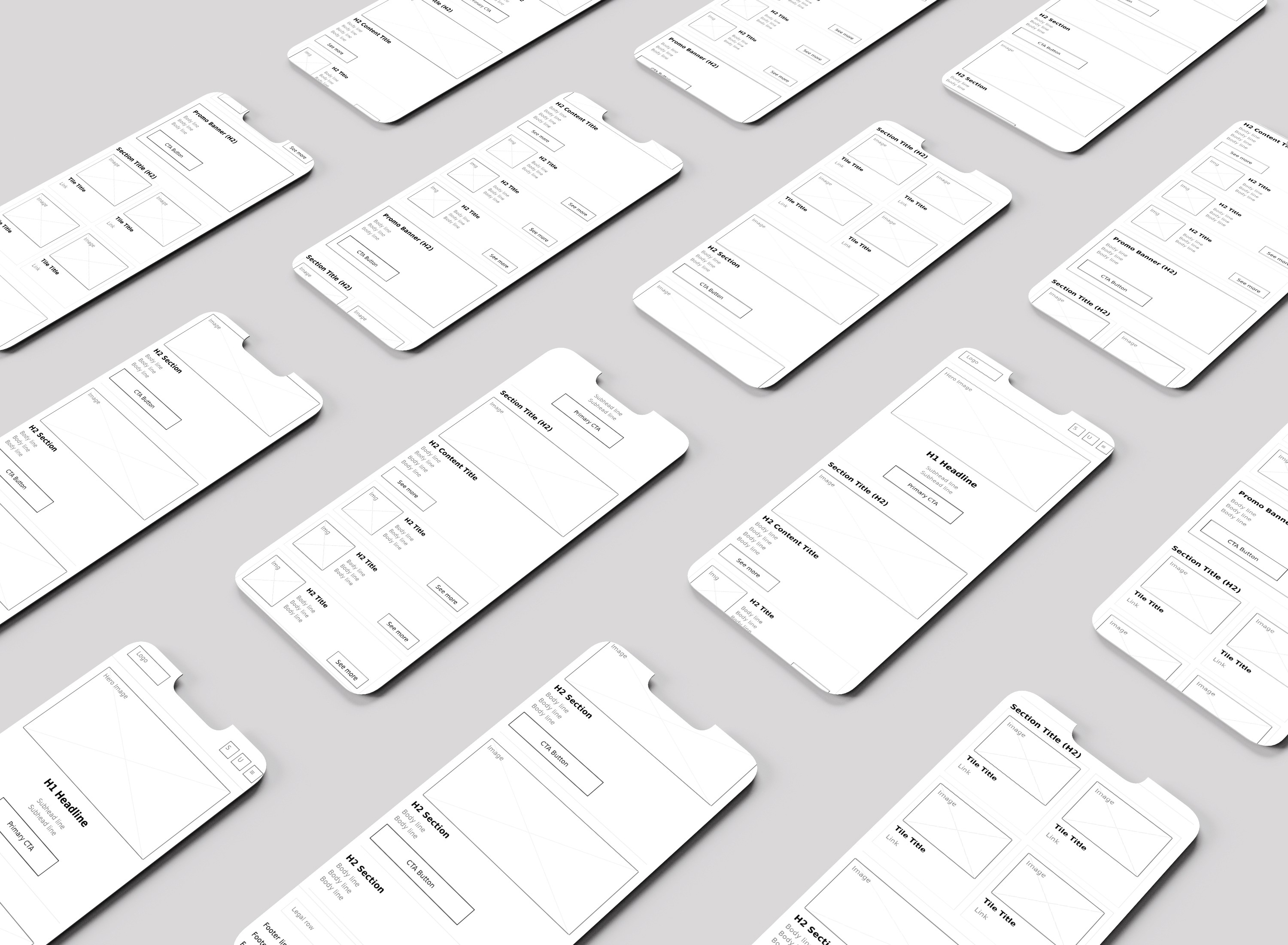
Standardized the layout into a repeatable set of CMS-friendly components.
Set a rule of one main call to action per section to reduce decision overload.
Improved scan patterns with consistent rows, cards, and spacing.
Added simple orientation help while scrolling, like predictable section structure.
Baked in accessibility standards like 44px tap targets and consistent link behavior.
My Role
Senior UI/UX Designer leading mobile-first restructuring, component rules, and accessibility improvements.
What I Delivered
Mobile homepage IA and content hierarchy
Component inventory for mobile homepage modules
Reusable module designs in Figma
Interaction and CTA rules for sections
Accessibility specs for headings, links, and tap targets
Jira tickets and Confluence handoff documentation
Usability test findings and updates
Impact
Priority module engagement increased by 30%.
Scroll depth completion increased by 25%.
Bounce rate dropped by 30%.
Faster time to first meaningful click.
Lessons / What I’d Improve Next Time
Lock in hierarchy rules early, then design around them.
Keep CTA rules strict, or the page slowly turns back into noise.
Add lightweight “where am I” cues even sooner during mobile testing.
Tools
Figma, FigJam, usability testing tools, Jira, Confluence
Category:
UI/UX
Client:
Alcon Labs
Duration:
8 months
Location:
Fort Worth, TX